Board
Inbound triage desk
Sorts a batch of signups into four lanes by company fit and finds the budget owner above each signup.
- For
- SDRs
- You provide
- A list of signup emails or domains
- You get
-
- Fit score and company brief
- Economic buyer with work email
- One of four lanes, with the reason
-
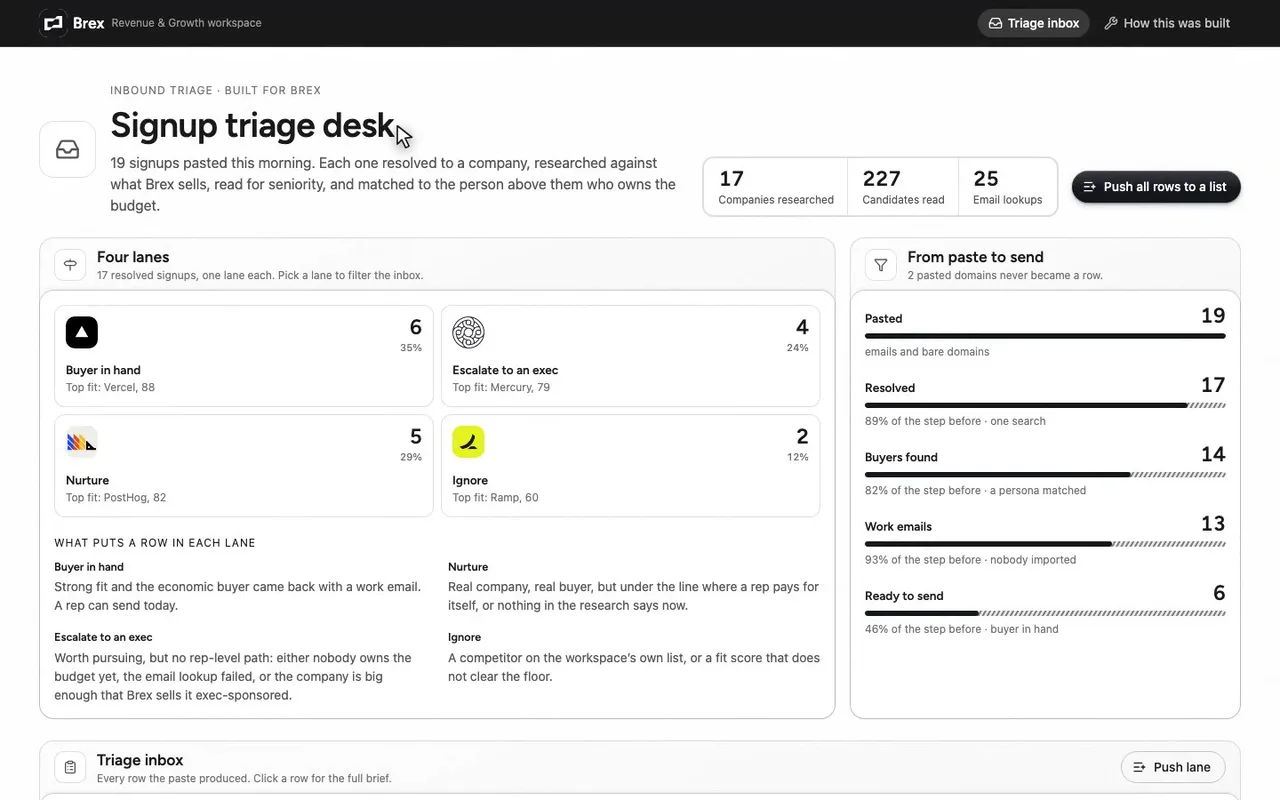
A triage desk for a Brex rep working inbound signups.
-
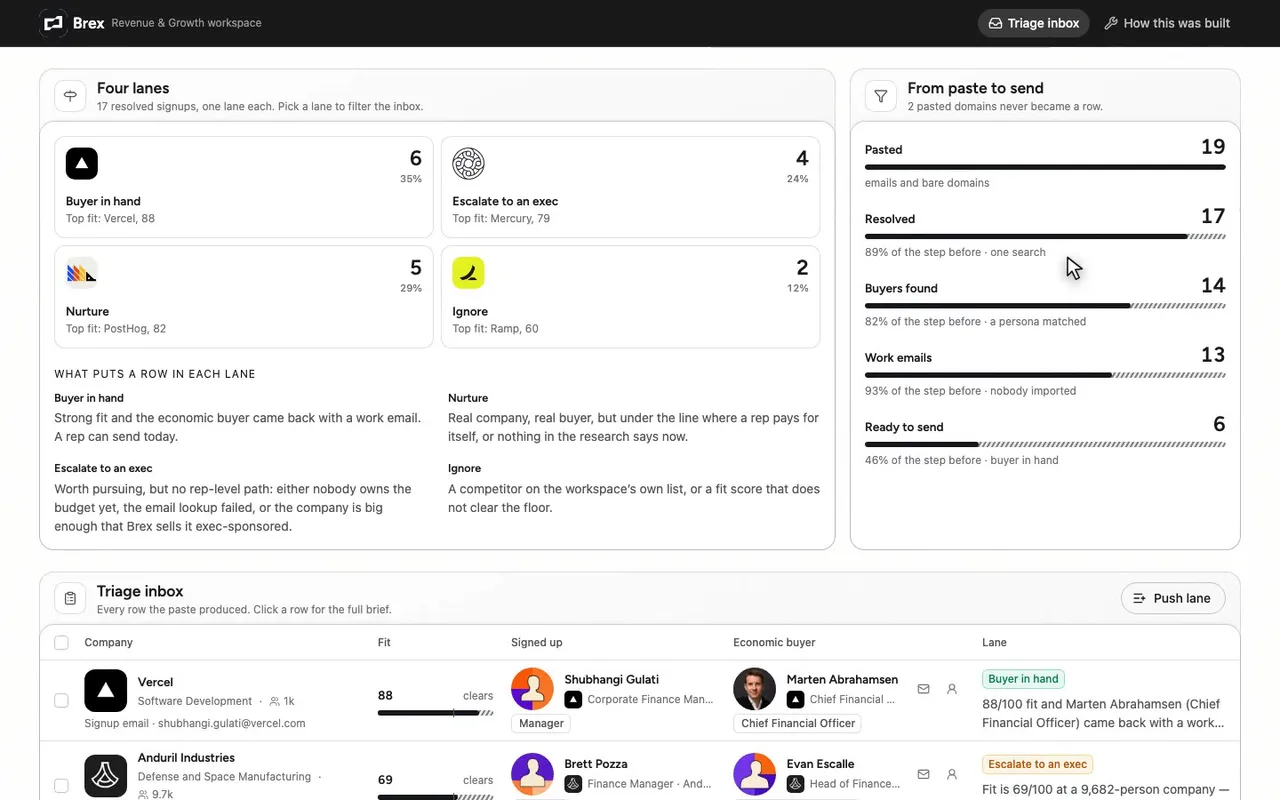
Every signup lands in one of four lanes.
-
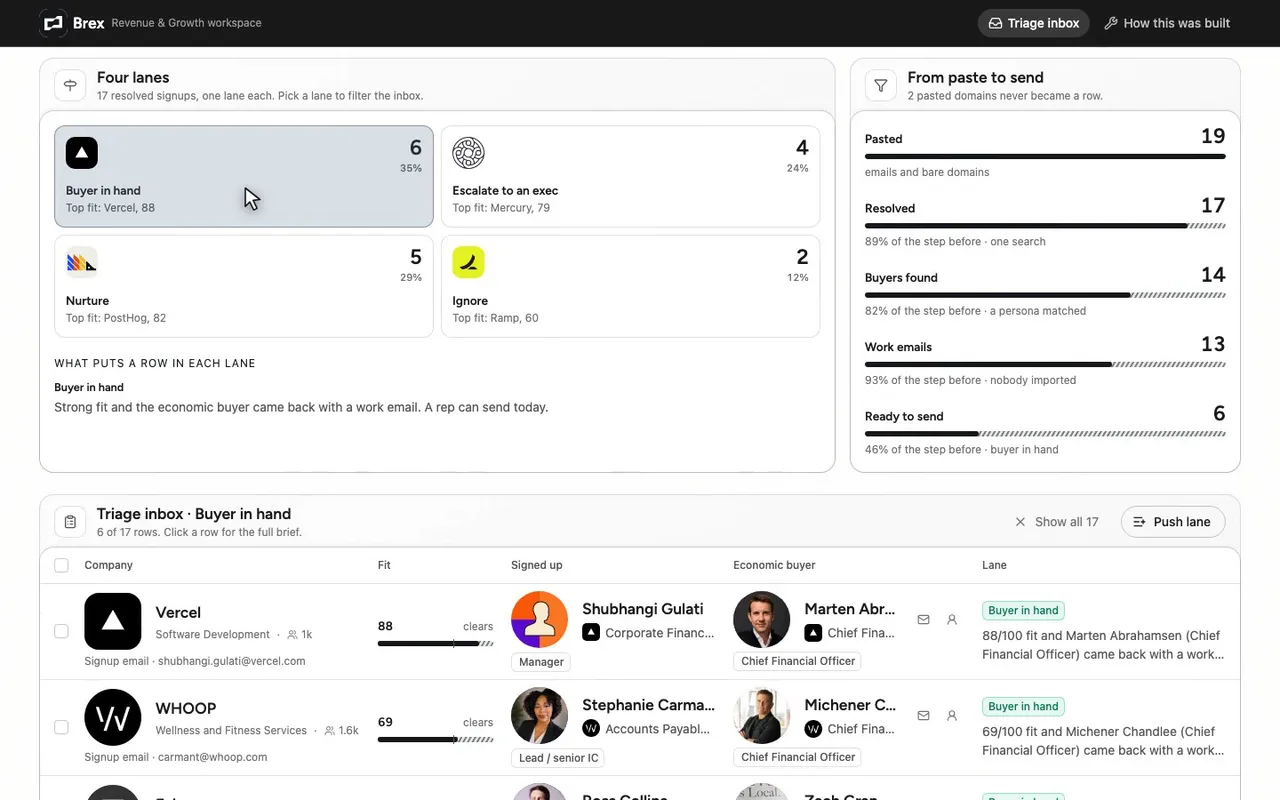
Buyer in hand: six a rep can send today.
-
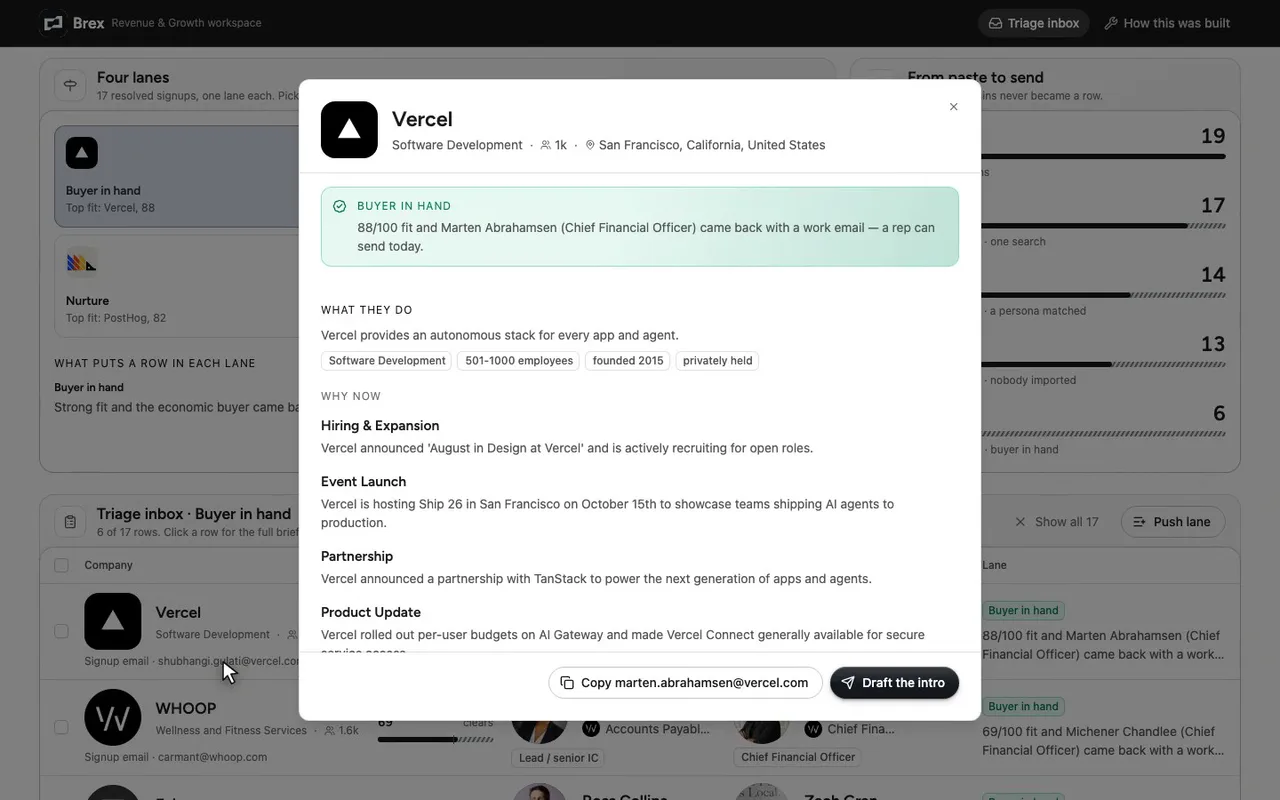
Open Vercel. Fit 88, buyer in hand.
-
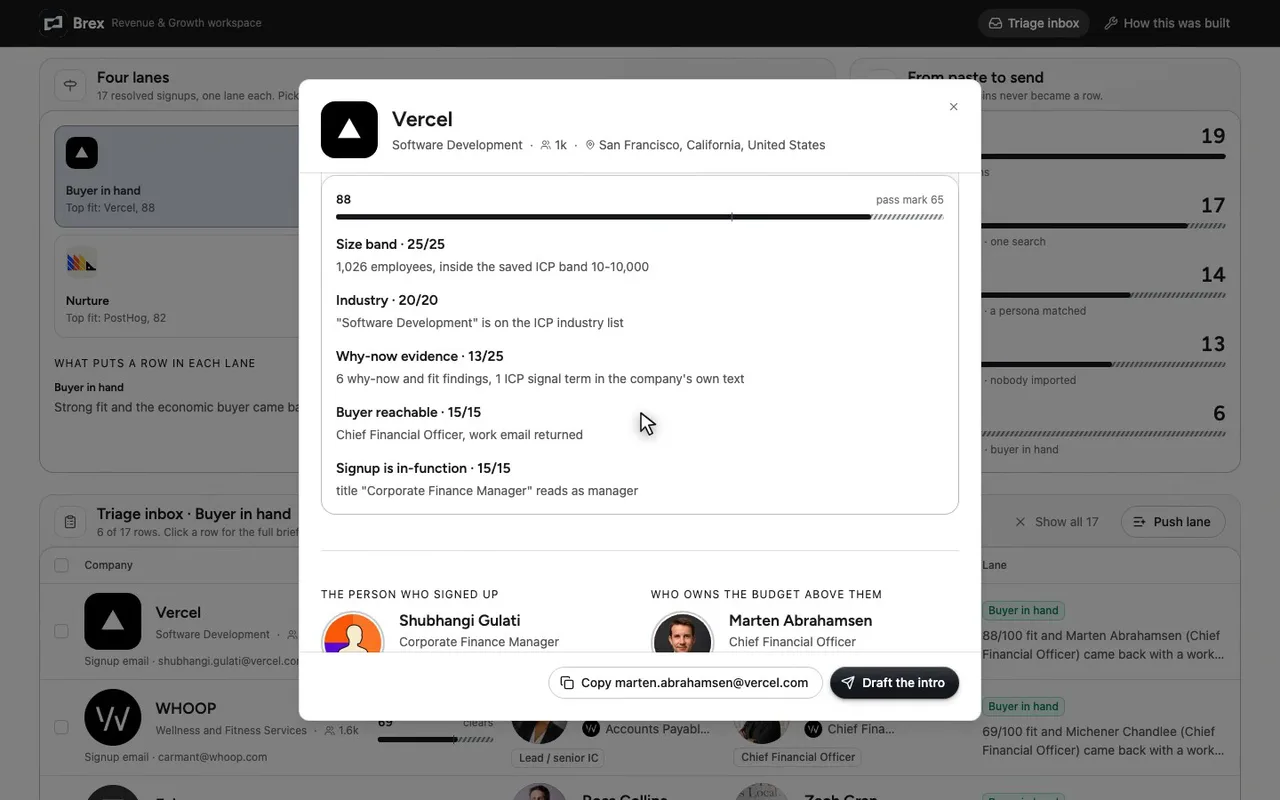
The score shows its parts, so a rep can argue.
-
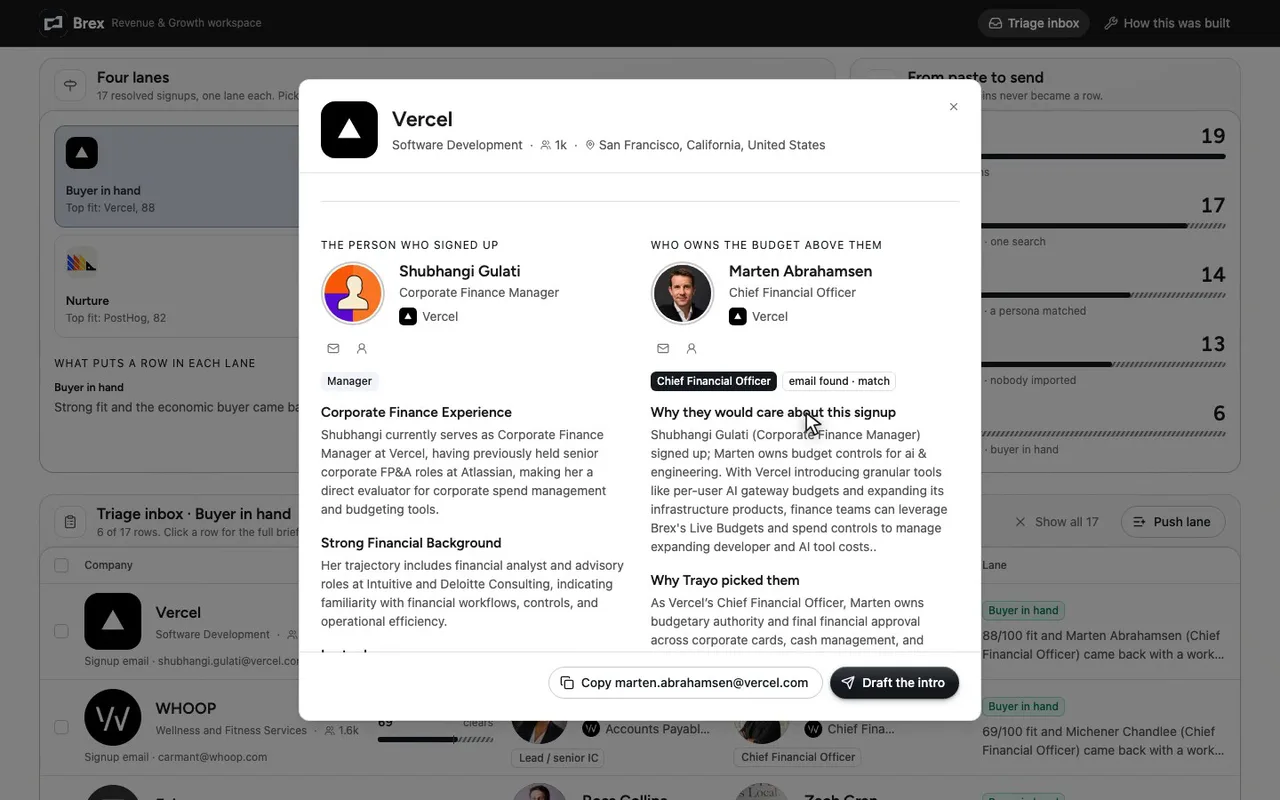
Marten Abrahamsen, the CFO, with a work email found.

The prompt
Paste it into any coding agent with the Trayo MCP connected.
- + any MCP client


Use Trayo to build an inbound triage desk. I paste a list of signup emails or domains. For each one, resolve the company, research what it does and why now, and score fit against what my workspace sells and who it sells to.
Then look at the person who signed up: how senior are they, and who is the economic buyer above them who owns the budget for what we do? Get that buyer's work email and the reason they'd care about this signup. Route every row into one of four lanes — buyer already in hand, needs escalating to an exec, nurture, ignore — and state why in one line. Present it as a triage inbox with the fit score, the company brief, the signup user and the buyer side by side, and a bulk action to push a whole lane into a list.

Known constraints for this build:
an email address alone doesn't identify the person — the signup row needs a name for the seniority read, otherwise skip straight to the buyer. `filters.companyWebsites` resolves many domains in one search, so batch them rather than looping. `contacts/lookup` gets the buyer's email without importing anyone, which keeps a triage pass from polluting the workspace.
Take the tour
A narrated walkthrough of the app.
The building blocks
What this app asked Trayo for
Every name, number and email on the page came back from one of these. None of it was typed in.
Reads your workspace
What you sell, who you sell to, and the buyer personas already saved in Trayo.
Finds companies
Surfaces accounts that match your ICP, plus lookalikes of the ones already working.
Finds the right people
Named stakeholders at an account, matched to the buying roles you care about.
How it was built
The data behind each screen, and what's faked for the demo.
Built in 25 min · 3 capabilities · 5 live API calls
An inbound triage desk for Brex’s revenue team. A rep pastes the morning’s signup emails and bare domains into it and gets back one row per signup: the company resolved and researched, a fit score against what the Brex workspace says it sells and who it sells to, the person who actually signed up with a seniority read, and the economic buyer above them with a work email and a line on why that buyer would care about this particular signup. Every row lands in one of four lanes - buyer in hand, escalate to an exec, nurture, ignore - with the rule that put it there printed beside it, and a whole lane can be pushed into a list in one action. A second route shows the calls, the score formula and the lane rules so the scoring can be argued with.
Trayo supplied all of it. One POST /v1/find with filters.companyWebsites resolved 17 of the 19 pasted domains in a single call; ouraring.com came back uncertain (its only alternative is OURA, 1,615 people) and basecamp.com not_found, and both are shown on the page rather than quietly dropped. 17 calls to /v1/research/company returned the one-liner, size, HQ and Trayo’s own why-now and fit findings written against Brex’s saved solutions. A second /v1/find over people returned 22 real finance, AP and procurement staff, ten of whom became the named signups. Three /v1/research/person/batch calls gave their career history and likely challenges. Two /v1/stakeholders/search/batch calls read 227 candidates across the 17 companies and labelled them against Brex’s five saved personas, with a coverage line per persona - Linear, Ghost and Wikimedia Commons matched nobody, and the app says so. 25 /v1/contacts/lookup calls returned 23 work emails without creating a single person, so the triage pass left the workspace untouched.
What is not real: the paste. Nobody signed up for Brex this morning, so the list stands in for an upload - the ten addresses are the ones contacts/lookup returned for real people at those companies, and the nine bare domains are real companies chosen to span the fit range, including two competitors from the workspace’s own list. The fit score and the lane rules are my arithmetic over Trayo’s fields, not something Trayo returns; the /method route writes out every component. Pushing a lane to a list, sequencing a selection and drafting an intro are previews that toast what would have been sent - no list was created, no account or person imported, no mail sent. Two things went sideways worth naming: /v1/research/person has no seniority field, so the band on each signup is read off their title, not returned; and my first scoring pass matched ICP keywords against Trayo’s fit findings, which are Brex’s own pitch written back, so every row scored the same until I restricted the match to the company’s own text. brandFromWorkspace took the one supplied colour as primary and noted three derivations: no background was given so a white page is assumed, the colour has no hue so dark mode would fill with near-white instead (this app is light-only), and no shell colour was given so the top bar takes a deep step of the primary at #191919.
More recipes
 Notion
Board
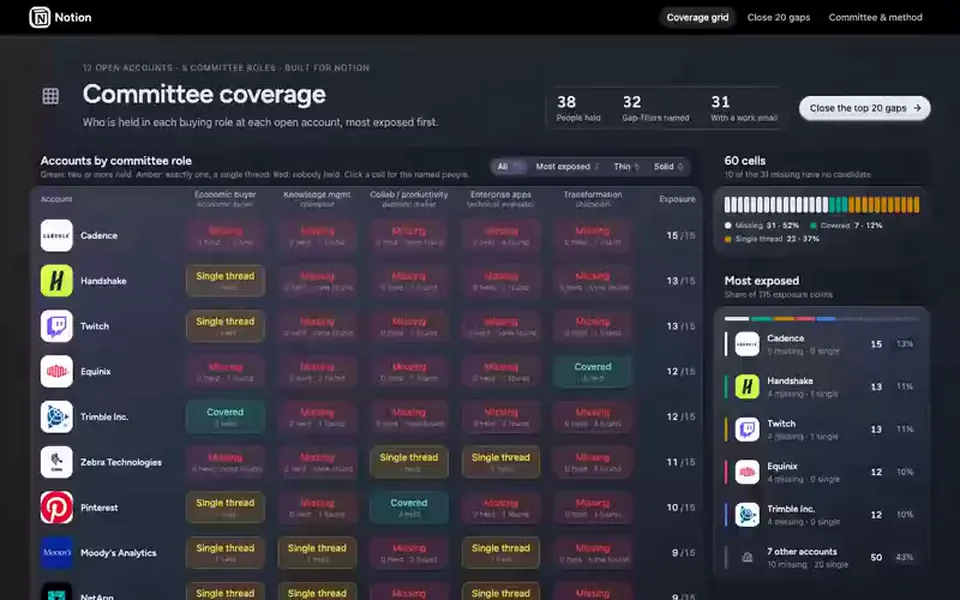
Deal coverage grid
Shows which buying roles are covered, single-threaded or missing in each open deal, and who would fill the gaps.
You provide: Your open accounts and saved buyer personas
 Gong
Map
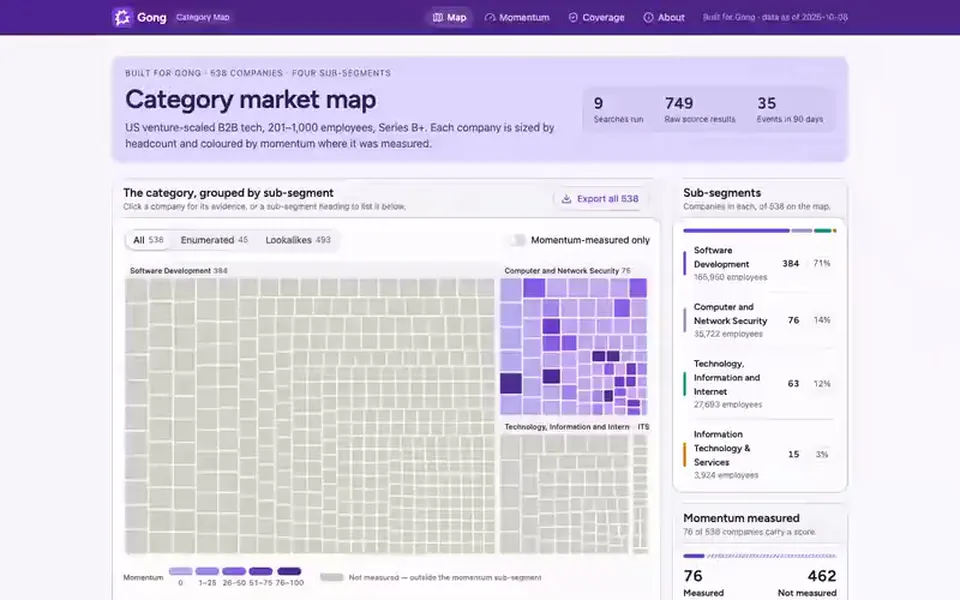
Category market map
Maps every company in a category you define and colours each by hiring and news momentum.
You provide: A category: industry, headcount, country and funding stage
 Supabase
Board
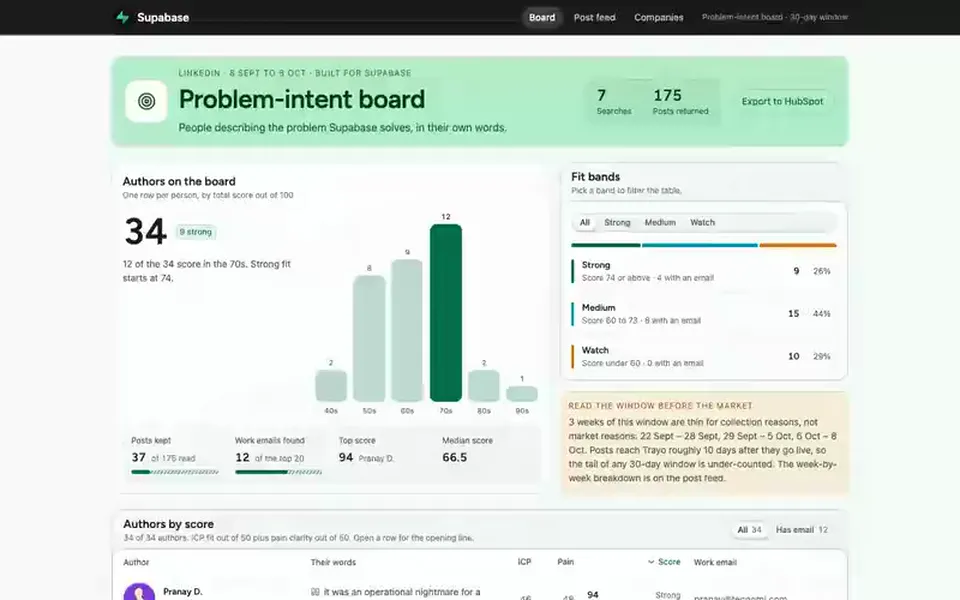
Problem-intent board
Finds people posting about the problem you solve and drafts an opener that quotes their own words.
You provide: The problem you solve, in your own words